
Searching Yuma County Civil Dockets
Your first stop for a Yuma County civil docket search should be Arizona Public Access to Court Information. Clear the verification step first. Then search by full case number or party name, with the court narrowed to Yuma County. The service pulls case information from most Arizona courts at no cost. But it updates only weekly, and it labels its own results unofficial. Prefixes tell you where a case sits. S1400 marks a Yuma County Superior Court matter. J1401, J1402, and J1403 belong to the three Yuma County Justice Courts.
For open Superior Court civil cases filed on or after July 1, 2010, add the registered document layer at Arizona eAccess. Search there by party or business name, partial case number, event text, date, judge, or CV/C case type. Nothing turning up? Call the Superior Court Civil Clerk at 928-817-4226. You can also visit the first-floor clerk counter, or reach out to the exact Justice Court. Probate goes straight to the Superior Court Clerk, since the free statewide system skips it. Older files may require paid clerk research or a public computer at the courthouse.
- Identify the civil case type and the court where it was filed.
- Search Public Access by full case number, party name, or business name with the Yuma court selected.
- Open the matching result and compare the title, filing date, category, status, and judge.
- Read the newest events and hearings rather than relying on one old setting.
- Use eAccess or the proper clerk when the actual motion, order, judgment, or certified copy is required.
Yuma County Civil Court Divide
Yuma County draws its civil line at $10,000. Claims above that figure go to the Superior Court in Yuma County. Anything through the statutory ceiling belongs with the Justice Court for the right precinct. That includes small claims and evictions. Family and domestic-relations files stay at the Superior Court level. Probate sits there too, even though statewide Public Access never shows it.
Which court you pick shapes both the docket and who keeps it. The Clerk of the Superior Court maintains all Yuma County Superior Court civil case information. It also keeps the filings. The Yuma, South County, and Wellton Justice Courts each hold their own limited civil files. A statewide name match may point you toward the right court. But it cannot move the record to the Yuma County clerk. Guess wrong about the filing level and you can miss the case entirely, even with the correct party name in hand.
| Civil matter | Likely court | Search and copy route |
|---|---|---|
| General civil over $10,000 | Superior Court | Public Access, eAccess, then Civil Clerk |
| Civil through $10,000 | Precinct Justice Court | Public Access, then named precinct clerk |
| Small claims | Justice Court | Named precinct route and court forms |
| Eviction or possession | Justice Court | Named precinct and direct date check |
| Family or domestic relations | Superior Court | Clerk’s domestic line; do not assume every image is online |
| Probate | Superior Court | Start with the Clerk because Public Access excludes probate |
Inside a Yuma County Civil Docket
Open a Yuma County civil docket and you get the basics: case number, court, filing date, category, status, assigned judicial officer, public parties, and attorneys. The event list tells the story from there. Expect a complaint or petition, service activity, an answer, motions, orders, hearing notices, judgment, and later enforcement steps. This is not a criminal docket, so there is no charge block. Party roles and the timeline carry the meaning.
Case information and filed documents are separate layers. An event reading "Order: Granting" won't show the judge's reasoning or every condition attached. The filed order holds that text. A browser print of the free event list is not a certified copy either. Where an eAccess document icon appears, a registered user can preview the first page under an unofficial watermark and buy the filing. No icon? Ask the clerk before assuming the filing is sealed.
| Case number | The court-assigned identifier and routing clue, often using a civil CV or C case type in eAccess. |
|---|---|
| Parties | Public plaintiff, defendant, petitioner, respondent, or business names and available counsel data. |
| Case status | The current recorded posture, which should be read with the latest dated events. |
| Events | Filings, service, motions, orders, notices, judgments, and later enforcement activity in time order. |
| Hearings | Date, court or judge, setting type, and a result when the court has entered one. |
| Document access | An image icon for an available eAccess filing or notice that the document is not offered online. |
Yuma County Civil Motions and Orders
Already holding a Yuma County civil docket number? Arizona eAccess offers a Case and Event Search built for it. Filter by event descriptions, date range, selected court, case title, participant, judicial officer, or civil case type. Common entries include Motion: Continue, Motion: Withdraw, Order: Granting, and Order: Denying. That power matters most in long cases. Entries pile up, and nobody remembers the date you need.
Treat event names as index terms, nothing more. A motion is a request. An order event confirms the judge acted. But the document itself defines how far that act reaches. Dismissals come voluntary, procedural, or grounded in a ruling. The label alone won't say which. A judgment is also distinct from an abstract, writ, or garnishment filed later to enforce it. Before concluding anything about a Yuma County civil case, buy the available order. Or ask the Yuma County clerk for the exact document.
- Motion
- A party’s request for a ruling during the case.
- Order
- The judge’s directive or ruling, whose full terms appear in the filed document.
- Judgment
- The court’s final or enforceable determination of rights or liability.
- Default judgment
- A judgment entered after a party does not respond or defend as required.
- Continuance
- A move of a hearing to a later date; the old setting remains part of the history.
Civil Case Types on the Docket
The Yuma County civil docket is really several tracks, not one shared queue. The Superior Court in Yuma County takes major civil claims and family matters. It also handles probate, plus appeals from lower courts. Yuma County Justice Courts handle lower-value civil claims, small claims, and evictions inside their precincts. Whatever court receives the filing controls the case information, hearing calendar, and copy process.
- General civil claims above the Justice Court ceiling in Superior Court.
- Limited civil claims through $10,000 in the proper Justice Court precinct.
- Small-claims cases assigned to a Justice Court.
- Eviction and possession cases, which can move on a fast court schedule.
- Family and domestic-relations files kept by the Superior Court Clerk.
- Probate files that require a Clerk-first search because the statewide portal excludes probate.
Transfers and appeals can leave entries in two places. The first court keeps its original docket. The receiving court opens a new case number. If an order mentions a transfer or a lower-court appeal, search both numbers.
Yuma County Civil eFileAZ Shift
Civil filings at all three Yuma County Justice Courts now run through eFileAZ. The switch came in September 2025. It covers civil, eviction, and small-claims cases. That includes both initial papers and later filings. Attorneys lost the option to file on paper: e-filing became mandatory February 1, 2026. The change reaches Yuma, South County, and Wellton civil dockets alike. After the clerk accepts a filing, that filer can open unrestricted documents in the case.
Three different jobs: Public Access finds case information, eAccess sells available Superior Court documents, and eFileAZ receives filings.
Civil Docket Settings and Hearings
A civil case unfolds in stages. Complaint or petition, then service, then an answer or default. Motions and discovery follow. Then come scheduling, hearing, trial or a dispositive order, judgment, enforcement, and sometimes appeal. Learn what each entry actually is. A notice of setting only records a planned court date. A scheduling order can control several deadlines at once. A reset or continuance keeps the old event in the history. A new entry takes over.
For a Superior Court setting, start with the newest docket event. Check the daily county calendar, find the assigned division, and confirm with that division directly. The county says its online calendar is updated daily but is not the official record. Justice Court dates go through the proper precinct, which matters most in fast eviction matters. A fuller walkthrough sits under Yuma County Court Dates.
A blank hearing result does not mean nothing happened. The result may simply not be entered yet. Also separate the hearing type from the outcome. "Motion hearing" tells you what was set. The later order tells you how the judge ruled.
Older Yuma County Civil Docket Images
Old papers are a different story. Yuma County's 2026 to 2028 court technology plan describes a proprietary BMI store holding historic case-file images from before 2005. It also calls for replacing that system. Until then, an older Yuma County civil docket may need clerk research even when newer cases are easy to reach online. Arizona eAccess adds its own limit. Coverage extends only to qualifying open Superior Court civil and criminal cases filed on or after July 1, 2010.
When you ask the Civil Clerk, give the exact court, party name, approximate year, case number if known, and document title. Yuma County charges a $35 research fee per year and source, plus copy costs. The Justice Center Law Library offers public computers and self-service printing as an on-site fallback. For wider context, official statewide Arizona court statistics track court workload. They never replace the case docket itself.
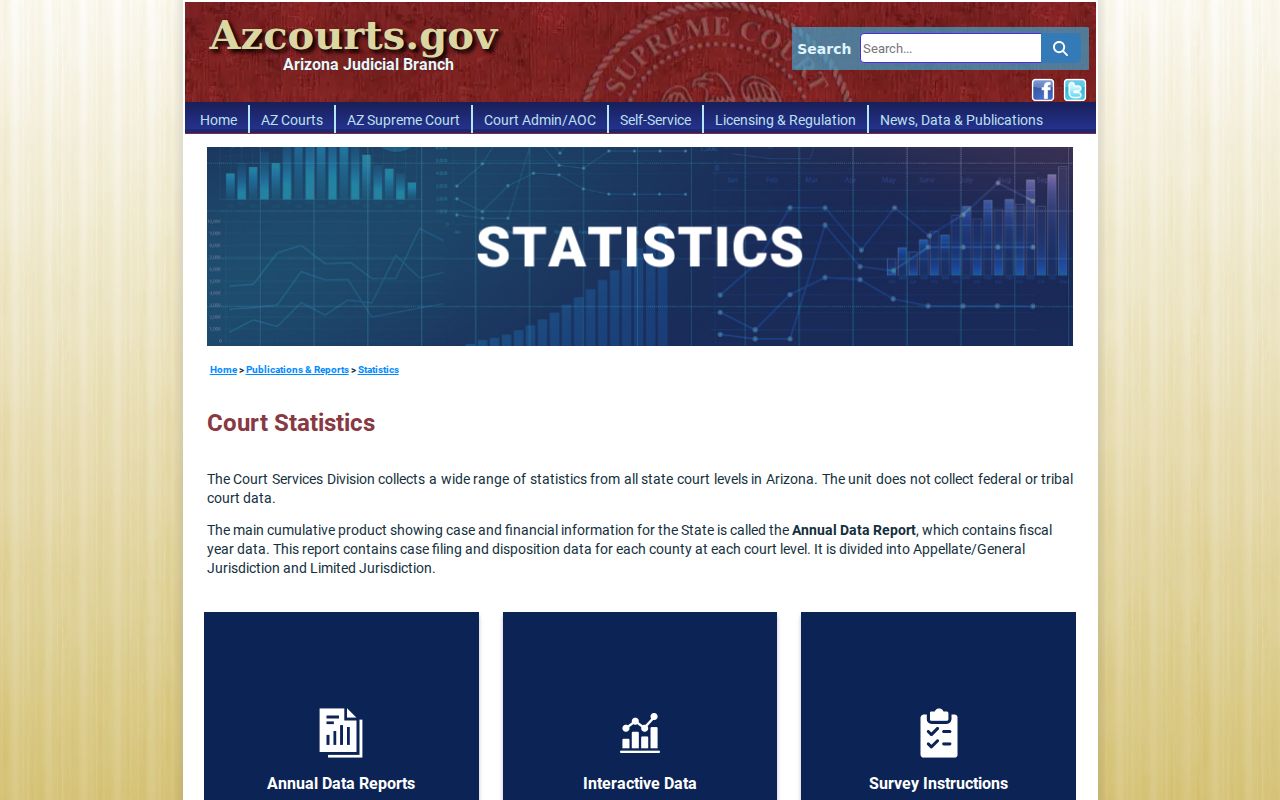
That statistics page shows broad filing patterns. It cannot show the events of one Yuma County civil matter; only the clerk and case systems can.
Civil Docket Access Rules
Arizona Supreme Court Rule 123 governs access to judicial records. It covers Superior, Justice, and Municipal Courts. Arizona's general inspection statute, ARS §39-121, states a broad public-record principle. But Rule 123 supplies the specific judicial-record process. It also lists the confidential categories. Any request should name the court, case number, date range, and exact document.
Online access is narrower than the law itself. The statewide lookup excludes probate, sealed cases, and protective orders. It also excludes mental-health information, victim and witness data, and most juvenile matters. An unrestricted event can appear even when its filed image stays unavailable. For the authoritative record, contact the proper custodian. The Superior Court Clerk's Civil line is 928-817-4226; records and certification is 928-817-4234.
Public access does not mean complete online access.
Rule 123 governs Arizona judicial records and recognized limits.
ARS §39-121 states the general inspection rule, subject to the court-specific framework.
Yuma County Civil Dockets Beyond State Court
Not every civil dispute touching Yuma County belongs to an Arizona state court. Federal civil actions go to the U.S. District Court for the District of Arizona. They use its federal docket systems. Bankruptcy runs through the U.S. Bankruptcy Court for the District of Arizona. A Superior Court appeal climbs to the Arizona Court of Appeals, Division One. Federal appeals head to the Ninth Circuit. The case numbers are not interchangeable.
For bankruptcy docket context, turn to the official U.S. Bankruptcy Court for the District of Arizona. That court is the assigned source.
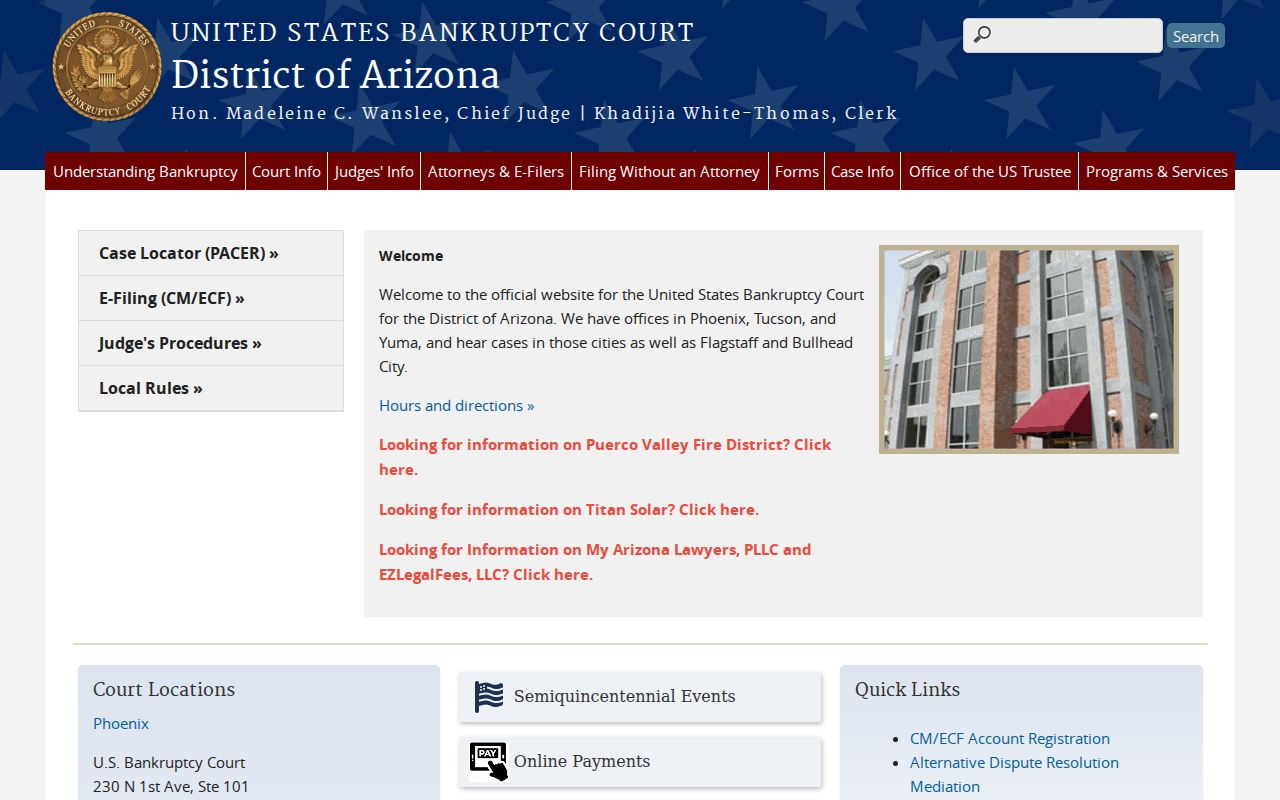
This separate federal court explains why a bankruptcy search never shows up as an ordinary Yuma County civil docket in state Public Access.
For federal appellate context, the official United States Court of Appeals for the Ninth Circuit is the assigned source.
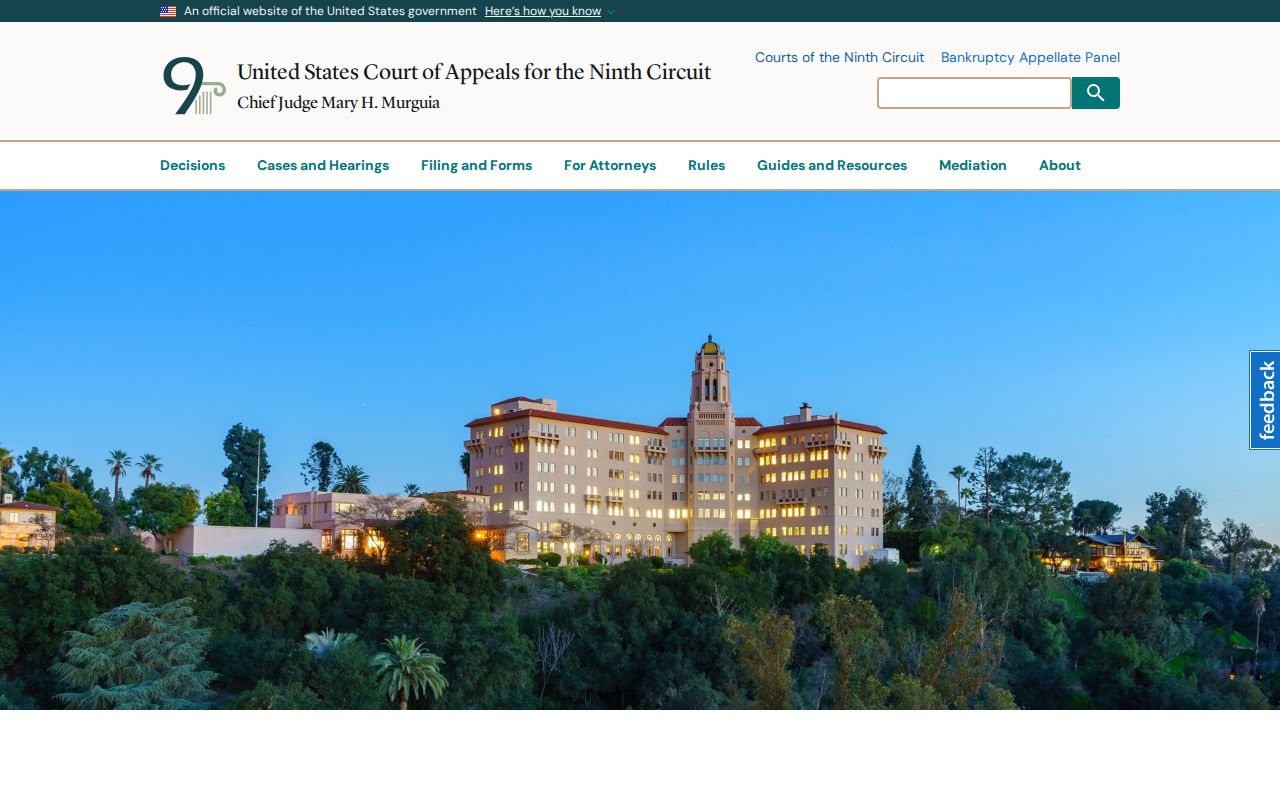
Remember the split. The Ninth Circuit route serves federal appeals only. An appeal from Yuma County Superior Court travels through Arizona's Division One instead.
Before picking a portal, read the caption, court name, and number on the first filing. That habit stops a state search from being used on a federal case, or a federal docket service on a Yuma County Justice Court claim.